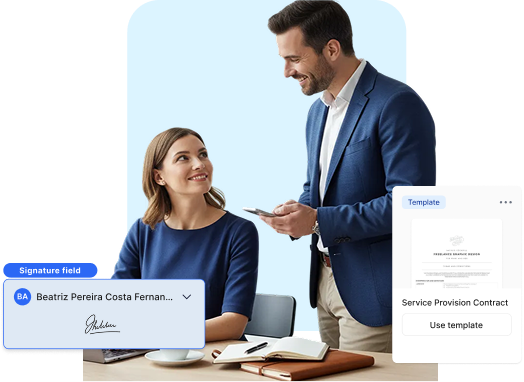
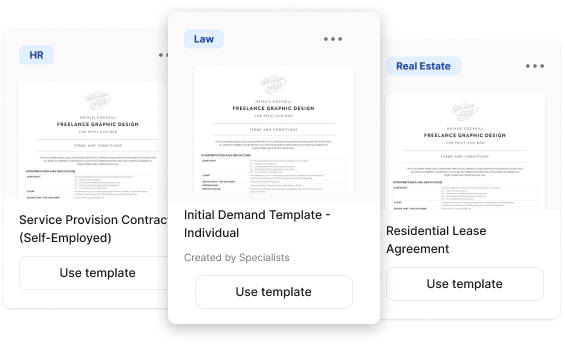
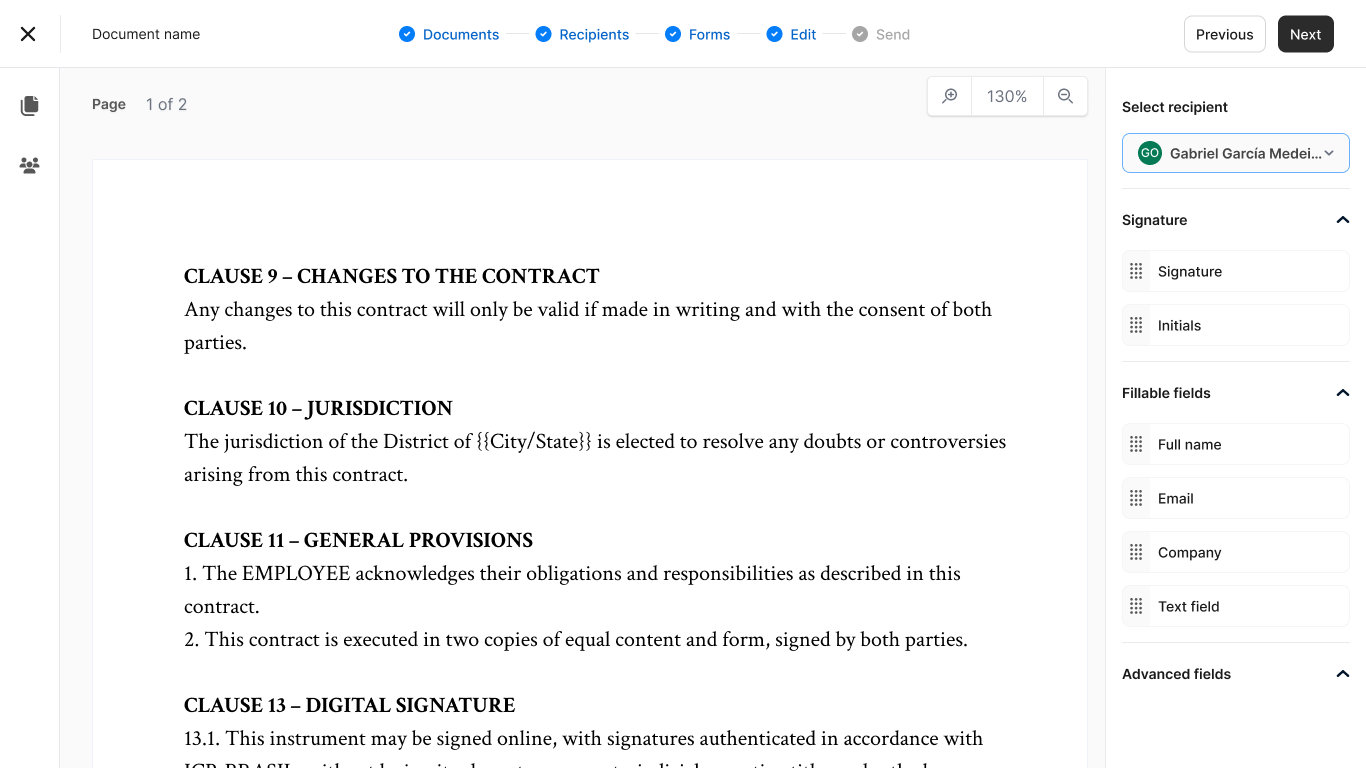
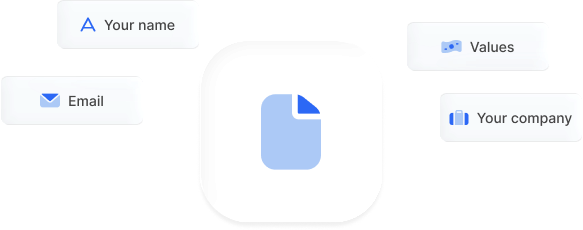
Get started quickly with templates or upload your own. Standardize what matters and save time.
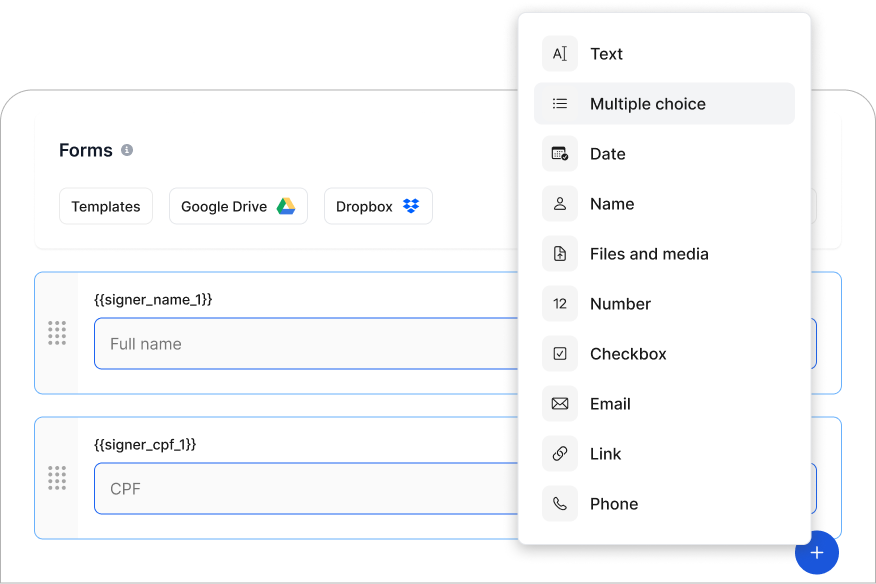
Smart form logic
Capture critical data directly within the document flow. Intelligent fields eliminate manual entry, ensuring 100% data integrity.
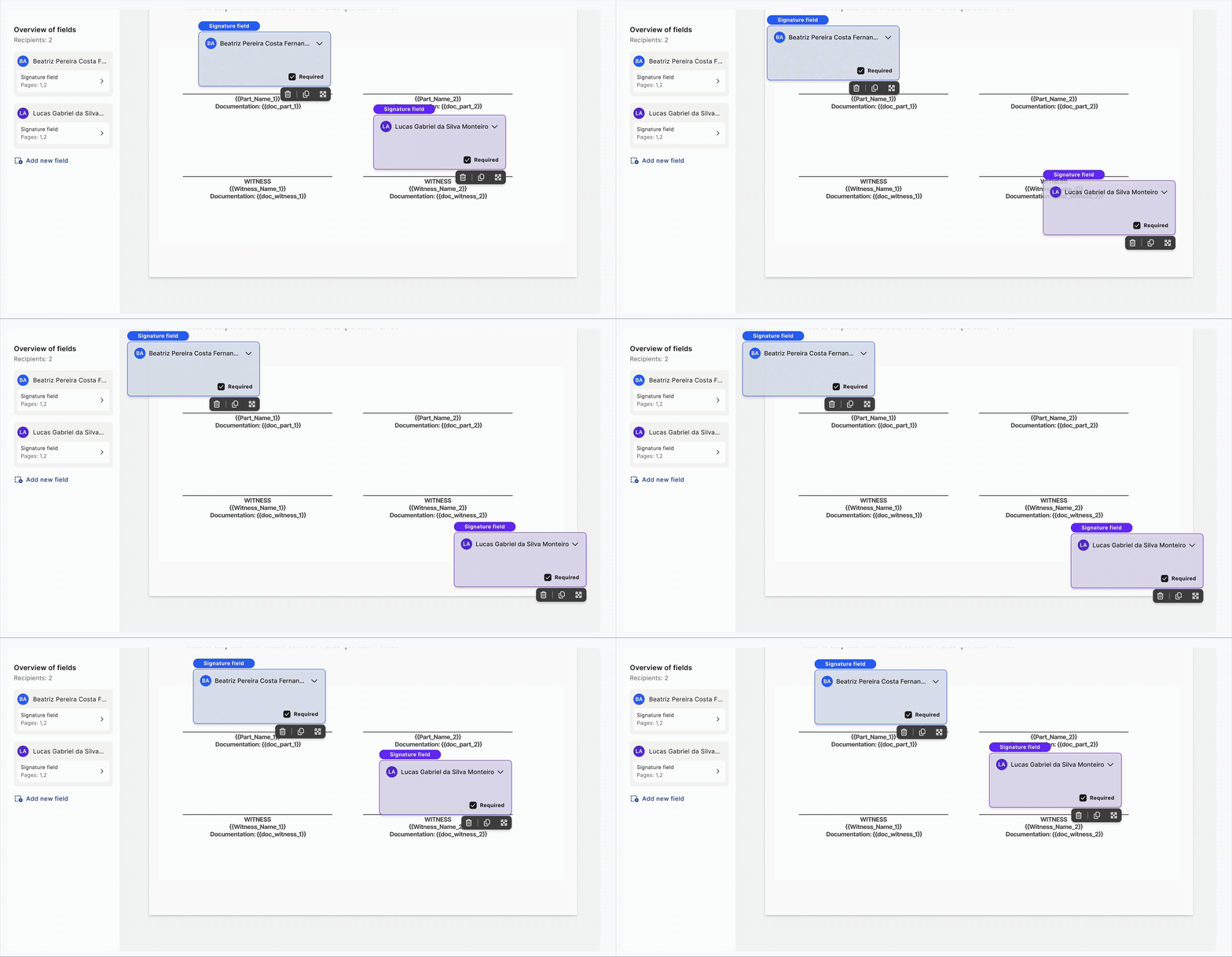
Intuitive drag-and-drop Placement
Precisely position signatures and initials, with a seamless, visual interface.
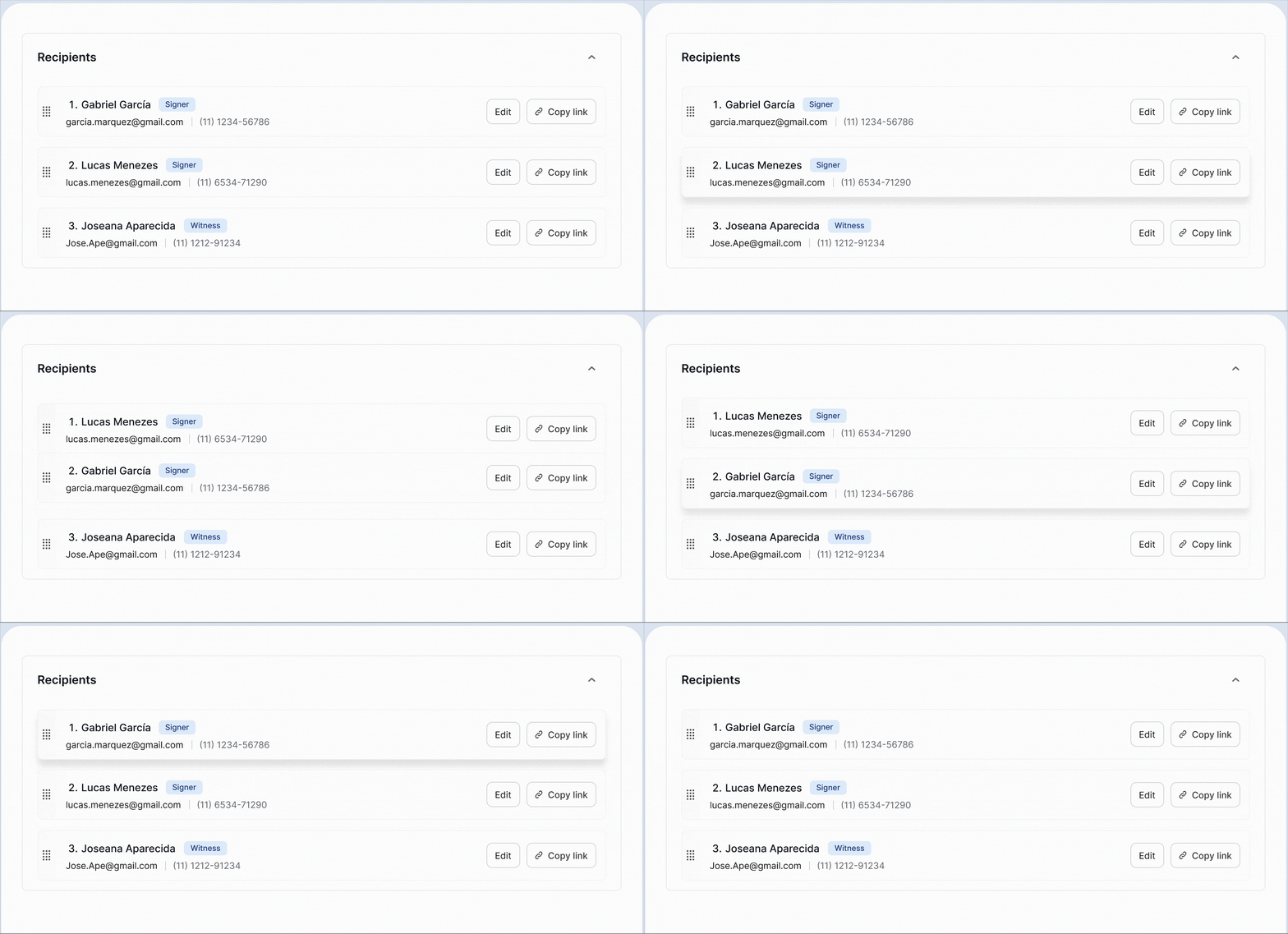
Structured signing orchestration
Define signing hierarchies and document routing to maintain a secure and predictable approval flow.
Branding & Integration
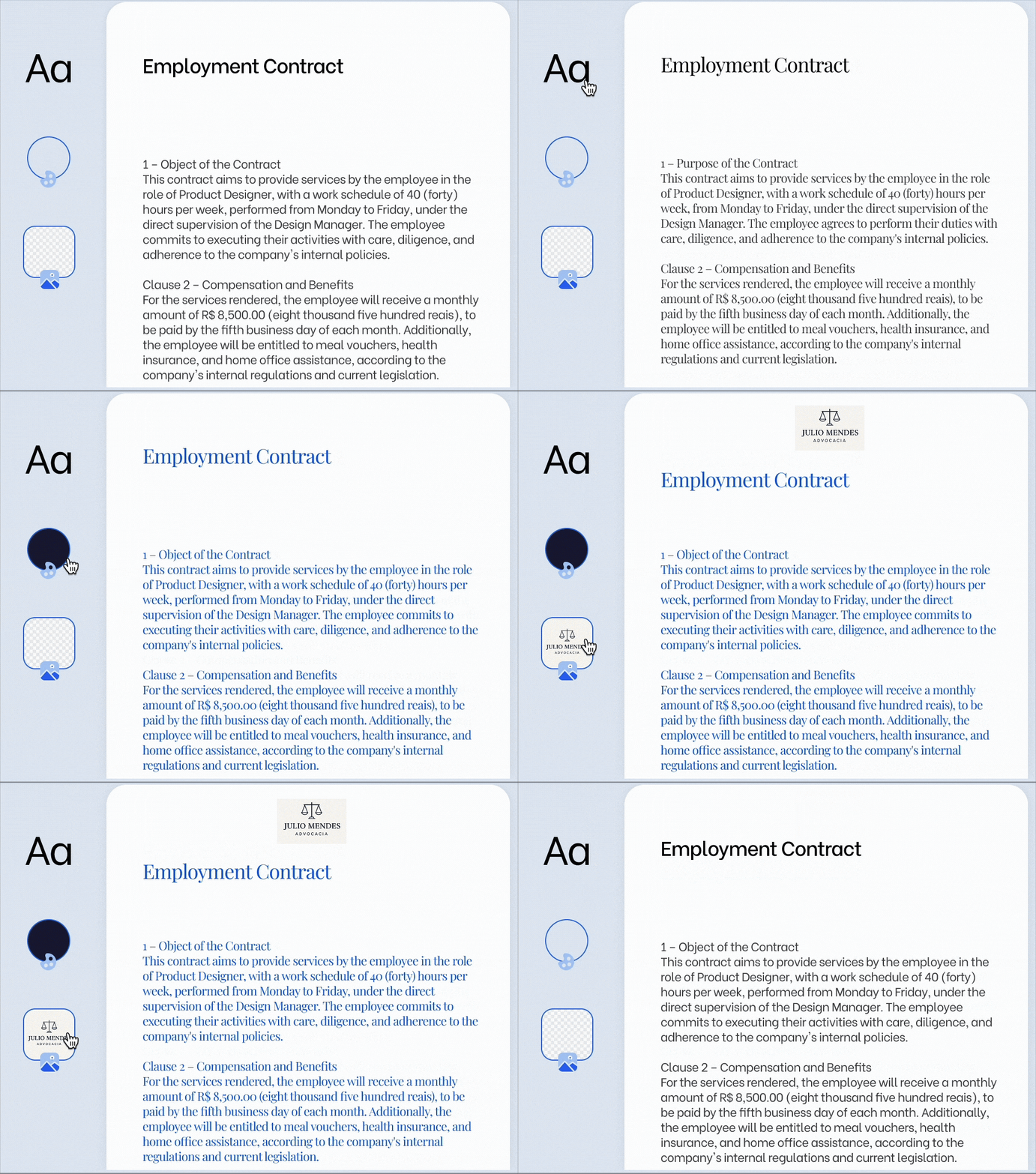
Advanced white-labeling
Maintain total brand control. Deliver a fully immersive experience with your company’s logos, colors, and fonts—removing all third-party branding.
Seamless embedded signing
Integrate the signing experience directly into your platform or website. Keep users within your ecosystem for a fluid, high-conversion journey that never breaks context.
Dynamic CRM synchronization
Generate complex agreements in seconds using real-time data from your CRM. Automatically populate variables like values, dates, and legal entities to eliminate the risk of manual copy-pasting.
Of agreements are fully executed in under 3 minutes
7
days
To validate the identity of your customers
2
min
To create a simple document
98
%
Average cost reduction per executed document
3 Corações
Gilberto Ferreira
“The ease of use of the platform makes it simple not only to use it on a daily basis, but also to train teams to use it”
Still Have Questions?
Frequently Asked Questions
How do I create a document for signature in ZapSign?
You can upload a pre-made file (PDF, DOCX) or create a document from scratch, directly on the platform, which offers ready-made templates.
From there, simply position the signature, date, or free text fields and define who needs to sign.
In just a few clicks, the document is ready to be sent—no need to install anything or manually configure digital certificates.
What is a template and how does it work?
A template is a powerful tool designed to standardize recurring agreements and ensure organizational consistency. Instead of drafting documents from scratch, you can create a master version of your most frequent contracts—such as sales agreements, NDAs, or employment terms—leaving specific variables (like names, dates, or values) as dynamic fields.
How do I track the progress of a document sent for signature?
Once the document is sent, you can track its status in real time on the ZapSign dashboard: who has signed, who still needs to sign, and if there are any pending tasks.
The platform also sends automatic email notifications to remind signers—and when everyone is finished, you receive the completed document, with the attached audit report.