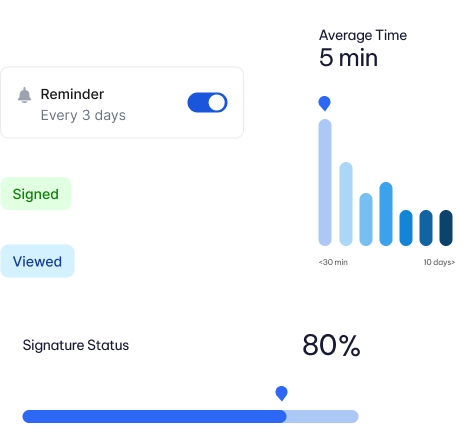
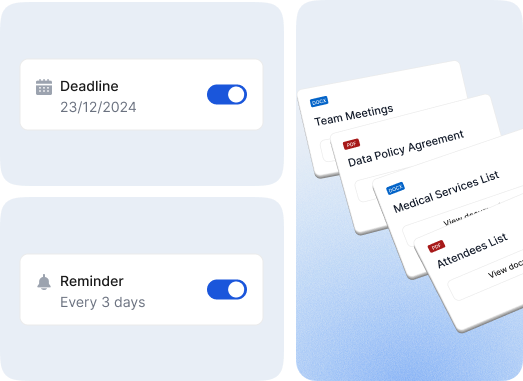
Automate follow-ups via Email or SMS. Define custom frequency and timing rules to ensure timely execution without manual intervention
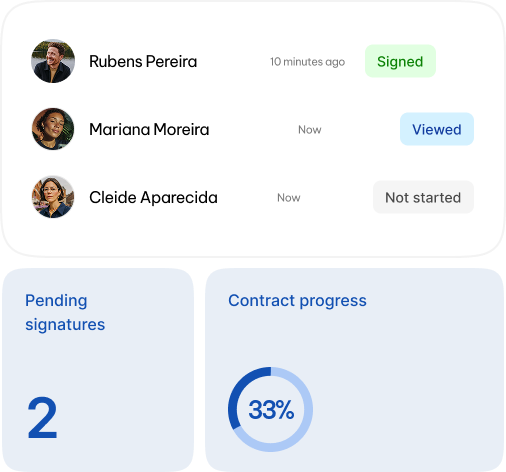
Granular Activity Tracking
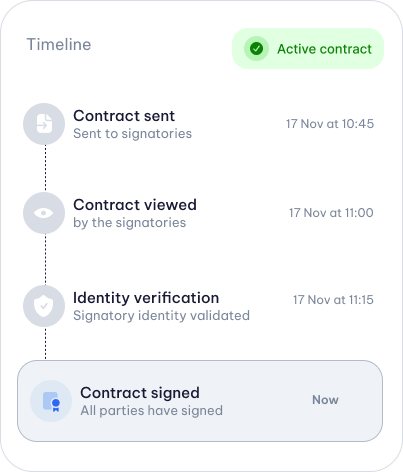
Monitor every interaction in real time. Track exactly when a document is delivered, opened, viewed, and executed for complete process transparency.
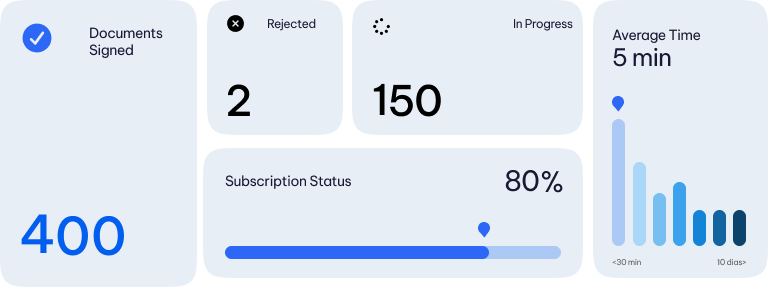
Operational Insights & Reporting
Access high-level analytics on document performance and user metrics. Identify friction points and optimize your signing cycles with data-driven insights.
Access comprehensive digital records at any time. Every action is time-stamped and logged, ensuring 100% traceability and legal compliance.
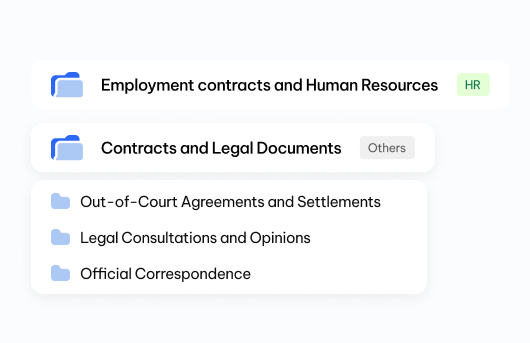
Intelligent File Organization:
Categorize and retrieve thousands of agreements in seconds using dynamic tags, secure folders, and advanced metadata filters.
Advanced Document Management & Access Control
Role-Based Access Control
Maintain strict governance by managing granular permissions. Define exactly who can view, edit, or execute specific documents.
Secure Permissions Hierarchy
Organize workflows into private or shared folders with distinct access levels for different departments or project teams.
Third-Party Observers
Grant "view-only" access to auditors, legal counsel, or stakeholders without requiring them to sign, maintaining a clean and professional flow.
Still have questions?
Frequently Asked Questions
Where can I find my documents after everyone has signed?
Once the document is completed, it becomes available in the ZapSign dashboard under the “Completed Documents” tab.
You can download the signed version, access the full audit report, or resend the file via email or WhatsApp directly from the platform. Everything is securely stored in the cloud, with no risk of loss or alteration.
What is the audit report and what is it for?
Each document signed with ZapSign comes with an automatic audit report that records every step of the process:
who signed, when, from which device, the IP address, and even the verification method used (email or WhatsApp).
This report is what guarantees the legal validity and integrity of the document, serving as complete evidence of the signature.
Can I organize, search, or export my documents?
Yes. In the ZapSign dashboard, you can filter documents by status, date, or signer, and also search by name or title.
You can export the signed files or integrate them with other systems via API if your company needs to automate storage.
Everything is designed so you can monitor your documents with ease and security, even at large scale.